Overview
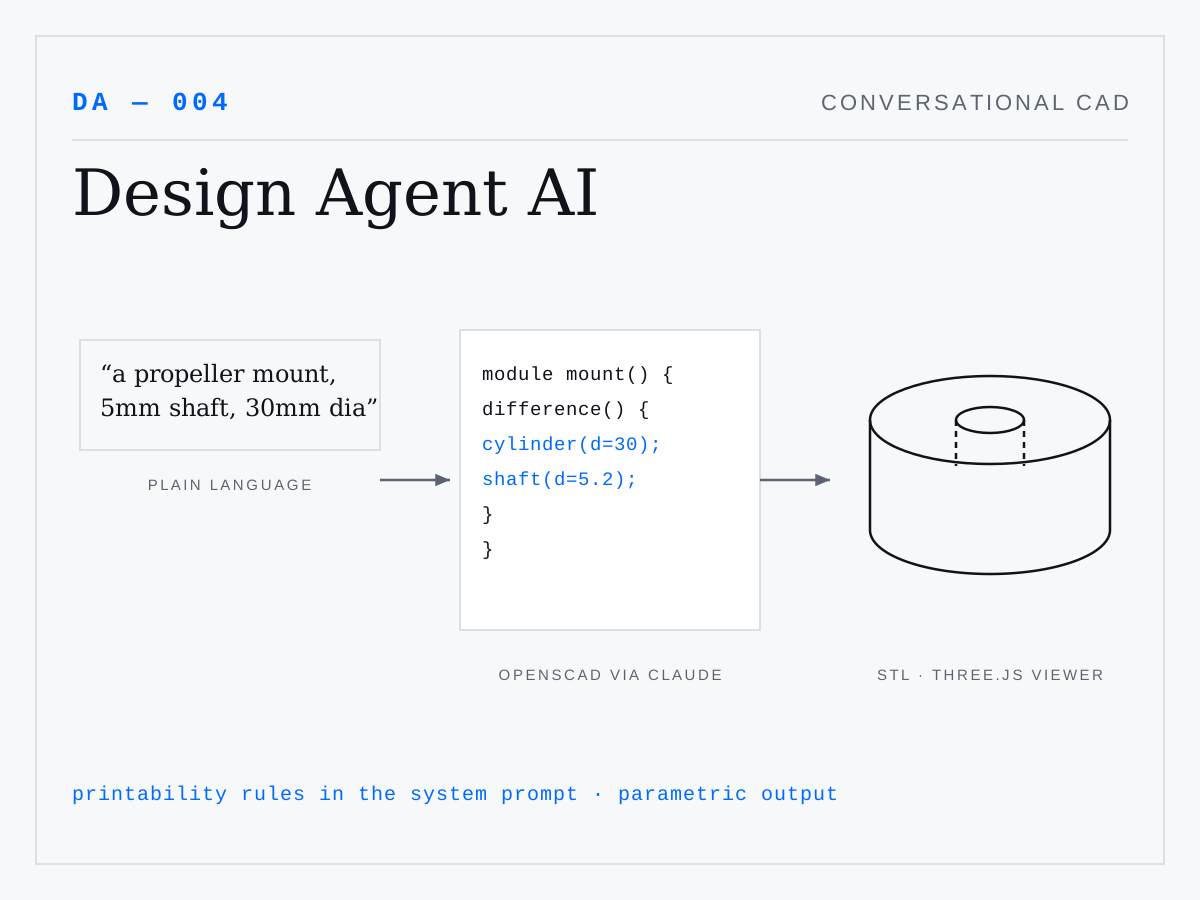
Describe a part in plain language — "a propeller mount for a 5mm shaft, 30mm diameter" — and Design Agent AI produces parametric CAD geometry you can inspect in the browser and send straight to a 3D printer. Built for drone parts, where custom mounts and brackets are constant, low-volume needs.
How It Works
Claude acts as an OpenSCAD programmer: a domain-tuned system prompt encodes 3D-printing constraints (wall thicknesses, tolerances, printability rules), and the model generates parametric OpenSCAD source for each request. The Node/Express backend compiles that code to STL with a local OpenSCAD binary, and the React frontend renders the mesh in an interactive Three.js viewer.
Conversational Iteration
Because the full conversation history rides along with each request, design becomes a dialogue — "make it 2mm thicker," "add M3 mounting holes," "chamfer the edges" — with each turn regenerating the parametric model. Reference photos can be attached via Claude's multimodal input to ground the design in something physical.
Outcome
A working prototype of LLM code generation applied to physical output: the generated artifact isn't text on a screen but an object you can hold.